
Made for the way you listen
Your lyrics.
Right on time.
Turn the words you love into lyrics that move with your music. Choose a song, mark each line, and make your own LRC file.
See how it worksNo account. No installation. Just your browser.
Start with your music
A local MP3 or a YouTube link. Your choice.
Keep it yours
Local files are read in your browser, never uploaded.
Feel at home
English, Spanish, and Brazilian Portuguese.
The tour
Five steps. One song.
From the first word to the final file, here is your rhythm.
Choose your soundtrack.
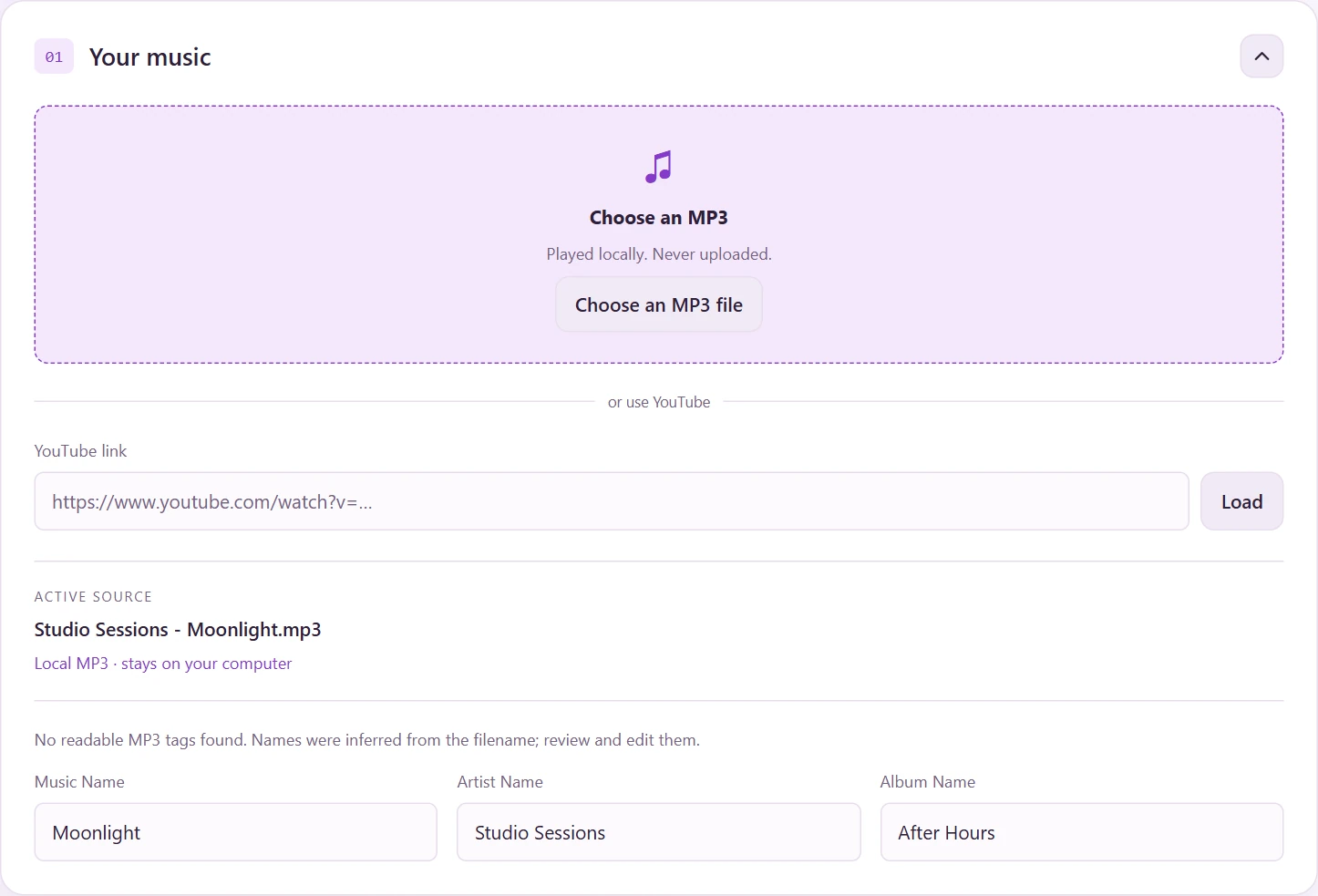
Choose an MP3 file from your computer, or paste a YouTube link and click Load. One active source keeps everything in sync.
Make the details your own
Review the detected music and artist names. Add an album if you want; these details become tags in your LRC file.
Bring in the words.
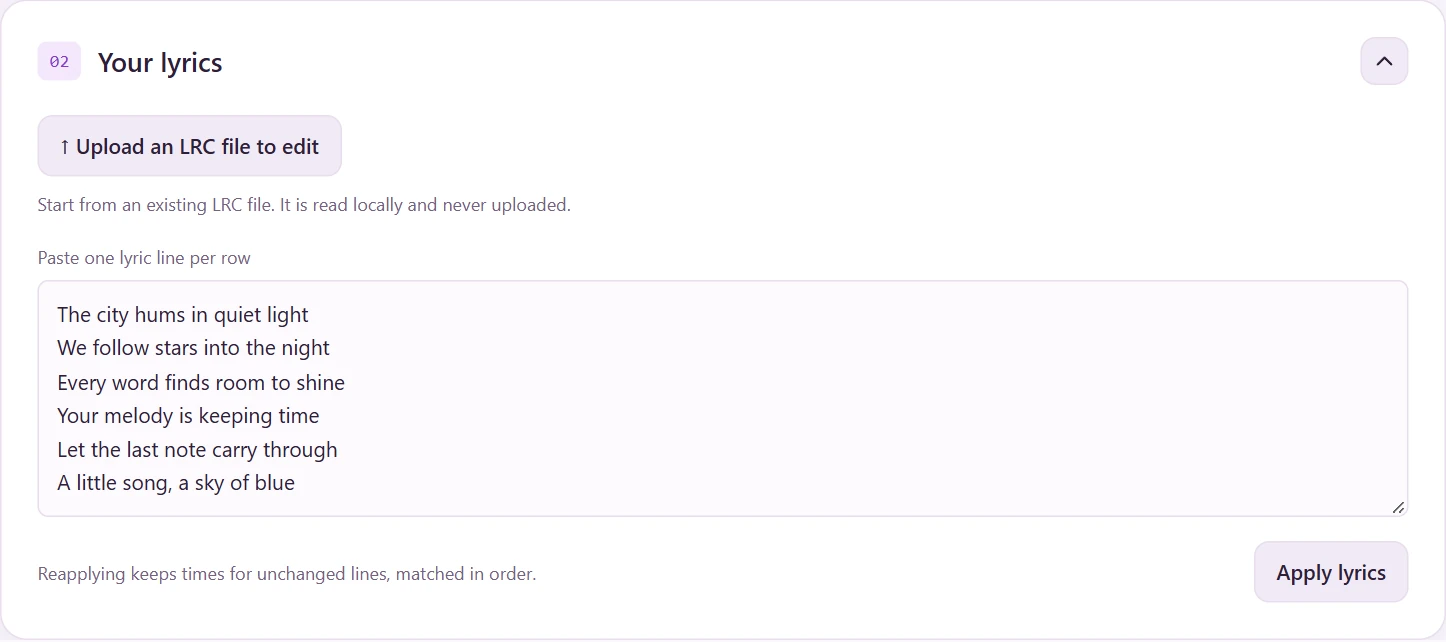
Paste your lyrics, one line per row, then click Apply lyrics. Each nonblank line becomes a row ready for its own timestamp.
Already have an LRC?
Use Upload an LRC file to edit to bring its lyrics and times into the editor. Confirm replacement if you already have lyrics; your music stays loaded.
Catch the moment.
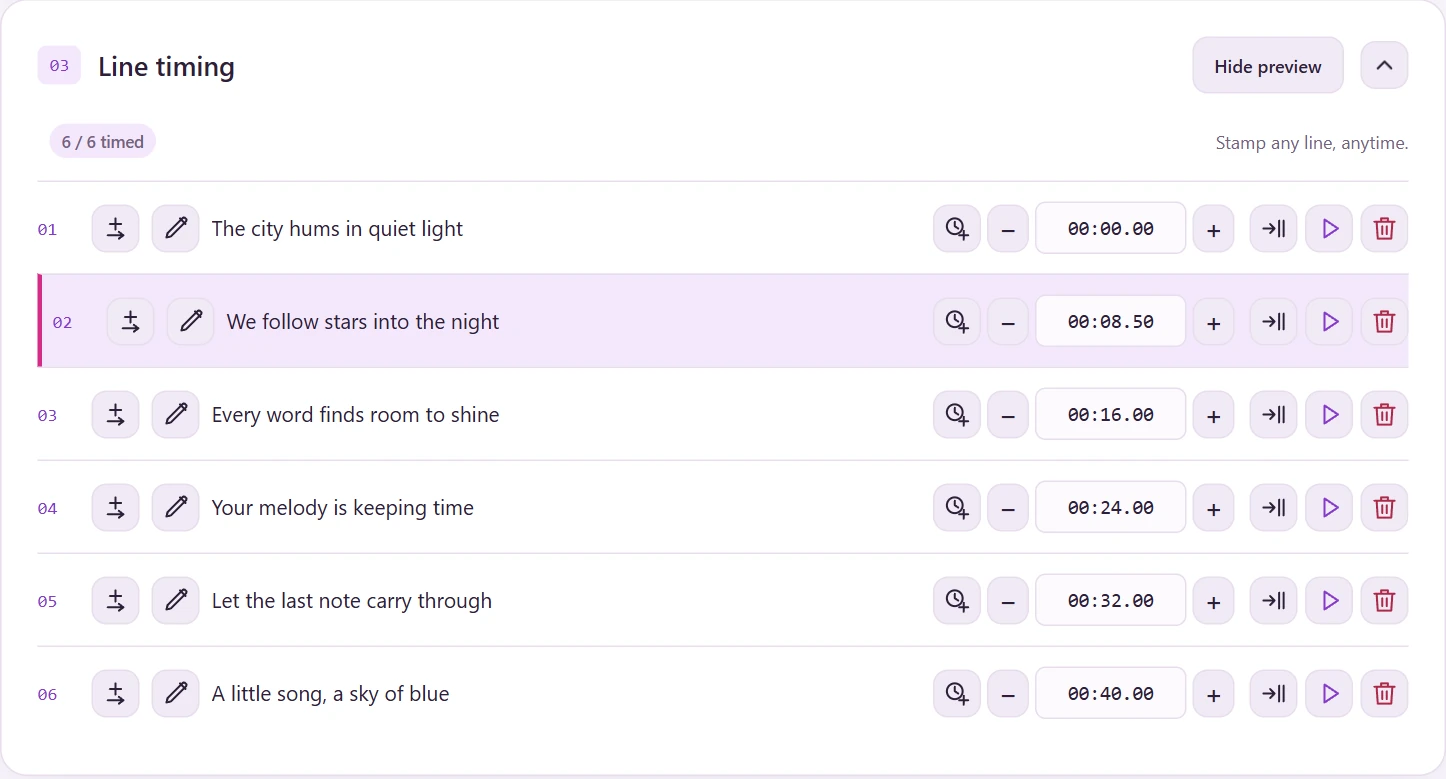
Play your song. When a line begins, click its clock icon to Set current time. You can stamp any row, while playing or paused, and stamp it again to replace the time.
Find it. Fine-tune it.
Pause and use the player’s ±0.5, ±1, or ±3 second buttons, drag the slider, or jump to a time like 01:23.50. Stamping a line leaves playback where it is.
The − / + buttons beside a timestamp adjust that line by half a second and seek to it. You can also type a timestamp, edit with the pencil, add a line, or remove one.

See the words follow along.
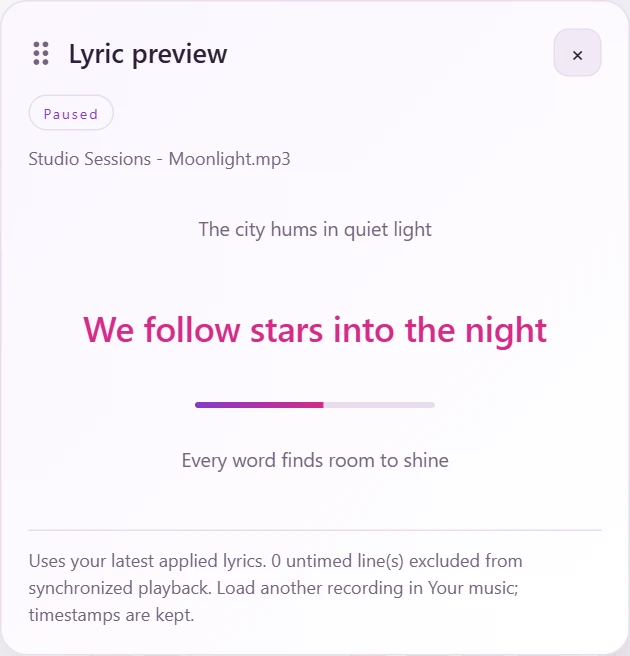
Click Show preview in Line timing. The floating lyric preview highlights the current timed line with the previous and next lines for context.
Listen. Adjust. Repeat.
Use the bottom player to play or pause, jump back, and check the transition. Move or Play on a timed row takes you straight to that line.
Take your lyrics with you.
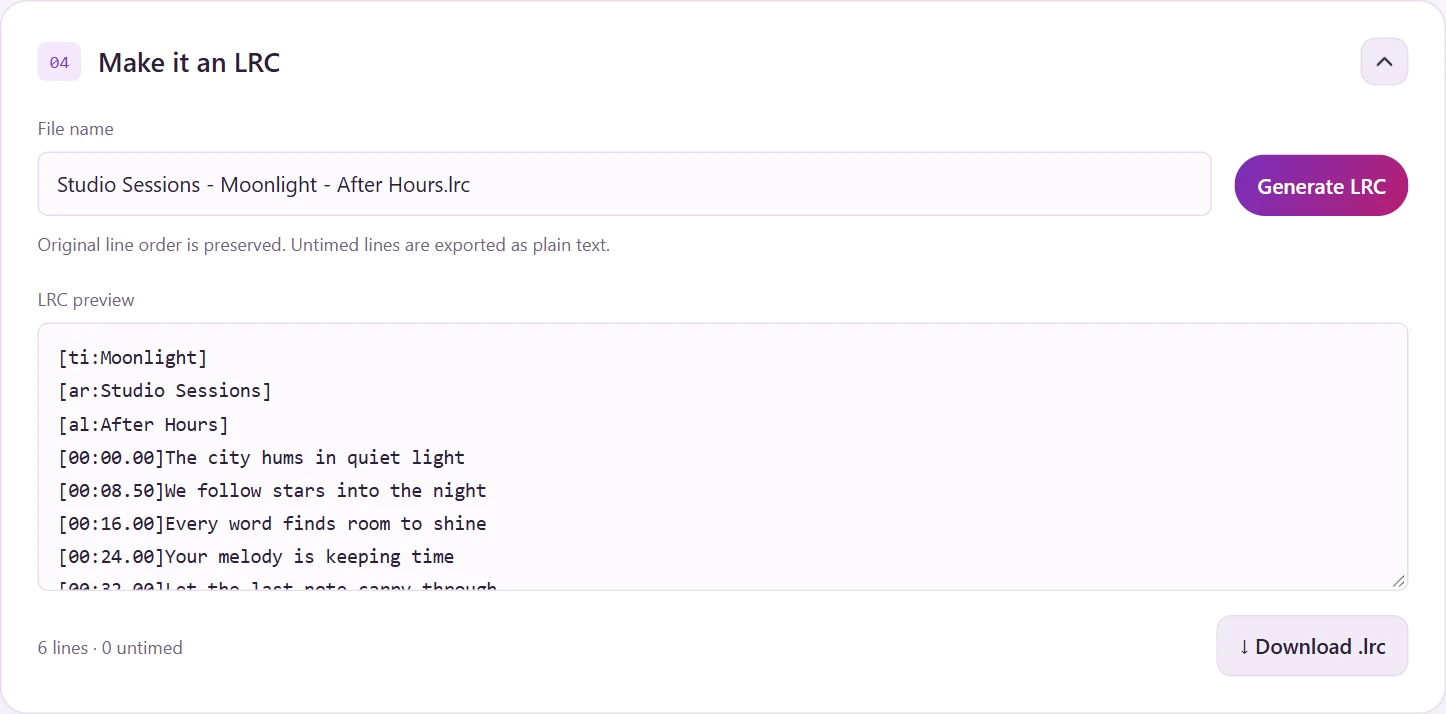
Click Generate LRC to review the text, then Download .lrc to save it. The file uses your latest music details and keeps the original lyric order.
A small file. A familiar format.
LRC is a text file that pairs each lyric with a time like [00:12.35]. Open it in a music player that supports synchronized LRC lyrics.
Lyric Maker
Your next song starts here.
You know the steps. Now give your lyrics their moment.
Open the app